


A light, patchy, or uneven jagua stain usually points to one of five variables: the product, skin preparation, application coverage, contact with the design, or aftercare. Troubleshoot in that order instead of immediately adding more product. First confirm the formula and directions, then review what happened at each stage. Stop using the product if the skin is irritated.
Start with the product, not the color promise
“Jagua gel” and “jagua ink” are marketing terms, not universal formulation standards. Check the complete ingredient list, seller identity, batch or lot details, storage instructions, opening date, and stated usable period. A product stored outside its directions, transferred into an unlabelled container, or supplied without traceability is difficult to evaluate responsibly.
Commercial products can differ considerably. A peer-reviewed analysis of selected commercial henna and jagua products found substantial variation in composition and labelling. That does not tell you how every product will perform, but it supports a practical rule: compare the exact label and directions rather than assuming all jagua behaves alike.
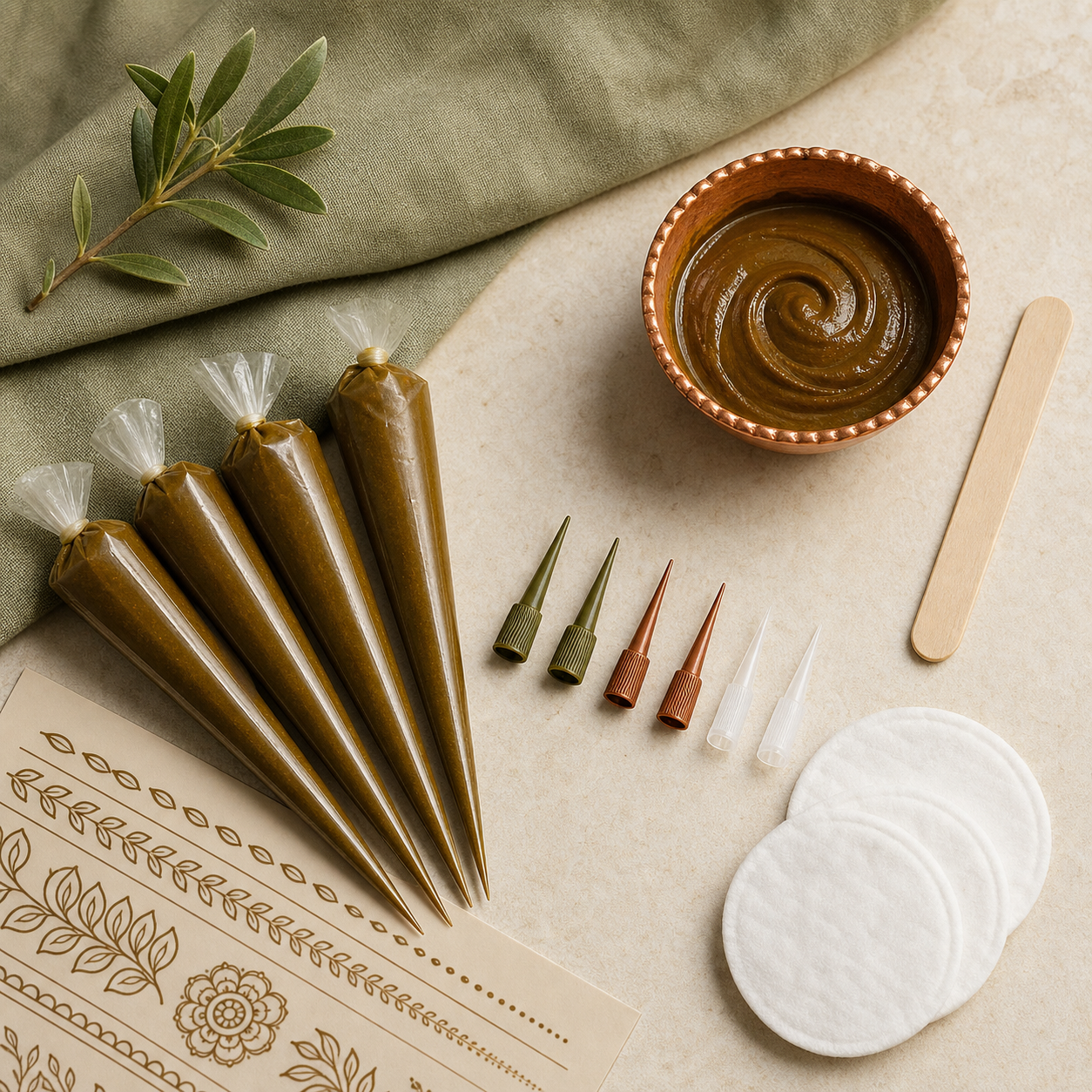
Why a jagua stain can look too light
A fresh design may not show its mature appearance immediately after removal. Follow the maker’s development guidance before judging it. A light result can also reflect thin or incomplete coverage, a blocked tip, accidental rubbing, early removal, expired or poorly stored product, or a skin area that does not display color as strongly.
Do not extend contact time beyond the label or improvise heat in an attempt to force a darker stain. More exposure is not automatically better, and it cannot repair an unsuitable or degraded product. Record the application time, removal method, and when the photo was taken so future comparisons use the same checkpoints.
Why the result can be patchy
Patchiness often follows uneven line thickness, gaps in filled areas, oil or lotion on part of the skin, clothing touching the wet design, or movement before the product sets. Inspect the applicator on paper before starting. A consistent line should emerge without sudden breaks or excessive pressure.
Prepare skin only as the product directs. Clean, intact skin is a sensible baseline, but avoid harsh scrubbing that causes irritation. Do not apply over cuts, rashes, sunburn, or inflamed skin. During application, keep filled areas even and protect the design from friction.
When edges blur or transfer
Blurred edges usually mean the wet design moved, touched clothing, received excess product, or was applied with a tip too wide for the detail. Choose an applicator that matches the line width, stabilize the working hand, and leave space between closely packed elements. If the design smears, follow the maker’s removal directions rather than rubbing the area broadly.
Separate performance problems from skin reactions
Itching, burning, swelling, blistering, or a rash is not a stain-quality problem. Stop use, remove the product as directed, and seek medical advice when appropriate; severe or rapidly developing symptoms need urgent attention. Preserve the packaging, ingredient list, seller information, batch details, and photographs.
The FDA reports adverse reactions to temporary tattoo products and explains how consumers can report cosmetic complaints. It also warns that products marketed as “black henna” may contain PPD. Jagua should not be treated as another name for black henna, and unclear formulas should not be used simply because a dark result is desired.
A repeatable troubleshooting checklist
- Confirm ingredients, batch, storage, opening date, and intended use.
- Photograph the label and the result at consistent times.
- Test the applicator flow on paper.
- Prepare clean, intact skin according to the label.
- Apply even coverage and prevent rubbing or transfer.
- Follow stated contact, removal, and development directions.
- Stop if irritation occurs and retain the packaging.
For product selection, read Jagua Gel vs Jagua Ink. You can also review the broader Jagua guide and Tools and Supplies.
Frequently asked questions
Why is my jagua stain still light after removal?
It may still be developing, or coverage, contact, storage, and skin site may have affected the result. Wait only for the development period stated by the maker before assessing it.
Can I reapply jagua over a light design?
Do not automatically reapply. Check the skin and label first. Never apply over irritated skin, and ask the manufacturer when its directions do not address repeat use.
Does darker jagua mean better quality?
No single color result proves quality. Ingredient disclosure, traceability, appropriate storage, realistic claims, and consistent directions are better buying signals.
What should I do if jagua burns or itches?
Stop using it and remove it according to the directions. Seek medical advice for concerning symptoms and urgent care for severe reactions.
